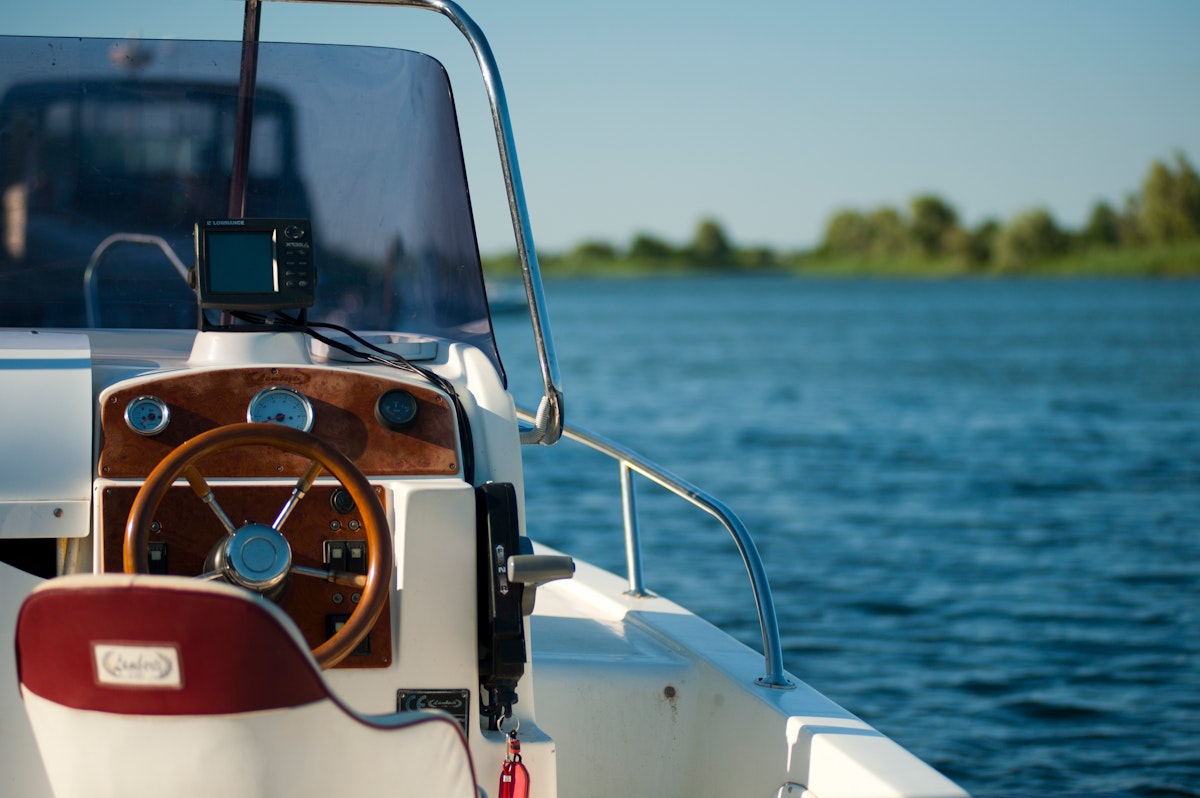
A marine technician completes an electrical troubleshooting job. He's standing on deck, hands still dirty, tools scattered around. He needs to: photograph the repaired wiring, log three hours of diagnostic time, update job status to "parts on order," and notify the client about findings. With mobile-first documentation, this takes 90 seconds—snap photos in app, tap stop on timer, tap status update, tap "send update to client." Done.
Without mobile documentation, he makes mental notes to handle later—which often means incomplete documentation, inaccurate time tracking, and delayed client communication. Documentation in the moment transforms completeness and accuracy.
Why Documentation Must Happen in the Moment
Attempting to document service work hours later from memory guarantees information loss: Forgot specific details observed during work, Can't remember exact start/stop times, Lost context about issues discovered or parts needed, Photos taken on phone camera aren't associated with job records, and Client updates delayed until evening or next day.
Memory degrades rapidly. Three hours after completing work, you've forgotten 40% of details. By end of day, you remember highlights but miss nuances that matter for future service or client communication.
The Mobile Photo Documentation Workflow
Photos are foundation of marine service documentation: equipment conditions before starting work, serial number plates and model tags, issues discovered requiring repair or client approval, installation details and routing for future reference, and completed work showing proper installation.
Effective mobile photo workflow should be nearly effortless: Open app to current job screen (already there while working), Tap camera icon (one tap from job screen), Take photo (standard phone camera interface), Add optional caption or note (5-10 seconds), Photo automatically associates with job and equipment. Total time: 10-15 seconds per photo including navigation.
Photo Organization Without Manual Tagging
Taking photos is easy—organizing them is hard if it requires manual work. Camera roll fills with hundreds of boat photos across dozens of jobs. Finding "photos from that electrical job three weeks ago" becomes impossible.
Smart mobile documentation uses context-aware automatic organization: Photos taken within job context automatically link to that job, Option to specify equipment/system for photo (engine, electrical, plumbing), Photos include metadata (date, time, job, boat, technician), Searchable by boat name, job type, date range, or technician.
Technicians document naturally. Organization happens automatically. Retrieving photos later is instant.
Time Tracking Integration with Job Context
Accurate time tracking requires minimal friction: Arrive at boat → tap "Start" on job timer, Pause timer when leaving for parts run, Resume when returning, Clock into different job when starting next appointment, and View daily summary of time by job.
The key is job-contextual time tracking. Timer knows which job you're working on. Starting timer automatically associates with current job. No manual entry of job codes or client names. Daily summary shows "Job A: 3.2 hours, Job B: 2.5 hours, Job C: 1.8 hours"—ready for billing without estimates or approximations.
Real-Time Job Status Updates
Job status changes throughout service workflow: Scheduled → Technician en route → Work in progress → Parts on order → Completed → Invoice sent. Each status change provides valuable information to office staff and clients.
Mobile status updates should be single-tap operation: Tap current status indicator, Select new status from list, Optionally add brief note, System automatically timestamps change and notifies relevant parties. Status history provides complete timeline of job progress.
Client Communication from the Field
The best time to update clients is immediately upon discovery: Found additional issue? Message client now with photo and explanation. Completed work earlier than expected? Notify client work is done. Parts delayed? Update client about revised timeline immediately rather than them calling to ask.
Mobile client communication templates make this quick and professional: Select message template ("Issue discovered," "Work completed," "Parts delayed"), Attach photos automatically, Customize message if needed (pre-filled templates save typing), Send. Client receives professional update within minutes of discovery.
Voice Notes for Complex Documentation
Sometimes typing detailed notes on phone is awkward or impractical—hands dirty, wearing gloves, complex explanation needed. Voice notes capture details without typing: Tap microphone icon, Speak observations or findings (30-60 seconds), Voice note attaches to job record, Office staff or technician can transcribe later if needed, or leave as audio documentation.
Voice notes are particularly valuable for complex diagnostic findings: "Found corroded connections at terminal three, signs of water intrusion through deck fitting above. Will need to trace water path and seal penetration. Recommend replacing entire harness section between panel and connection point—approximately eight feet of wiring. Estimated four additional hours."
Parts Identification and Ordering from Field
Standing in front of failed equipment is perfect time to order replacement parts: Photograph part or serial number plate, System identifies part automatically (or technician searches catalog), Add part to order with quantity, Part order links to job automatically, and Client receives notification about parts being ordered.
This eliminates the "order parts later" pattern where technicians make notes intending to order parts when back at office—often forgetting or delaying by days. Immediate parts ordering accelerates job completion.
Offline Documentation That Syncs Later
Marina connectivity is unreliable, but documentation can't wait for WiFi. All mobile documentation must work completely offline: Photos save locally and queue for upload, Time tracking operates locally, Job status updates save locally, Client messages queue for delivery, and Everything syncs automatically when connectivity returns.
Technician documents normally all day regardless of connectivity. System handles synchronization in background. No manual intervention required.
End-of-Day Review and Completeness
Mobile documentation happens throughout the day, but brief review ensures completeness: 5-minute end-of-day review shows all jobs worked today, Verifies time tracked for each job, Confirms photos captured and synced, Checks client communications sent, and Flags any incomplete documentation.
This safety net catches occasional oversights while information is still fresh. Forgot to photograph completed installation? Take photo tomorrow before leaving marina. Forgot to stop timer? Adjust time record same day.
Documentation Completeness Metrics
Shops tracking documentation completeness see dramatic improvements with mobile tools: Photo documentation increases 70% (from 30% of jobs to 100%), Time tracking accuracy improves from estimates to actual records (typically revealing 15-25% more billable hours), Client update frequency doubles or triples, and Job status accuracy improves (real-time updates vs. end-of-day batch updates).
These improvements translate to business value: More billable hours captured means higher revenue, Better documentation supports warranty claims and protects against disputes, Improved client communication increases satisfaction and retention, and Complete service history increases boat resale value for clients.
Training and Adoption
Mobile documentation adoption requires minimal training when tools match workflow: Show photo capture process (10 seconds per photo), Demonstrate time tracking start/stop (single tap), Practice status updates and client messages (select template, send), and Explain automatic sync and offline capability.
Total training: 15-20 minutes. Adoption happens quickly because process is intuitive and saves time rather than creating burden.
The Compound Benefits Over Time
Each individual documentation action has modest immediate value. Compound benefits emerge over time: Complete photo history of boat enables faster future diagnosis, Accurate time records reveal profitability patterns by job type, Consistent client communication builds trust and referrals, and Comprehensive service history increases boat resale value (benefiting clients, creating goodwill).
After six months of consistent mobile documentation, shops have transformed capabilities: Answer client questions instantly with photo evidence, Estimate jobs more accurately based on historical time data, Identify recurring issues across boat fleet, and Provide comprehensive service records that differentiate service quality.
Mobile Documentation Without App-Switching
Some technicians try to document using separate apps: phone camera for photos (transfer later), note-taking app for observations, separate time tracking app, texting for client communication. This fragmentation ensures incomplete documentation—too much friction and app-switching.
Integrated platforms like Yachtero combine all documentation in unified mobile experience: Open job, take photos (automatic association with job), log time (integrated timer), update status (single tap), send client messages (templates with photo attachment), order parts (linked to job automatically). Everything happens in single app with minimal navigation. Result: complete documentation becomes natural part of workflow rather than separate administrative burden.
The bottom line: Complete service documentation happens in the moment—on deck, in engine rooms, at the dock. Mobile tools that make photo capture (10-15 seconds), time tracking (single tap start/stop), status updates (tap to change), and client communication (template messages) effortless ensure nothing gets lost. Automatic organization by job and equipment eliminates manual tagging. Offline capability means documentation continues regardless of connectivity. Result: 70% increase in photo documentation, 15-25% more billable hours captured, doubled client update frequency, and comprehensive service history that builds business value over time.

Enhance Your Boating Experience
Unlock a more organized, efficient, and enjoyable boating experience with Yachtero. Download the app today and discover the benefits of AI-powered assistance. Register now and take control of your boat!