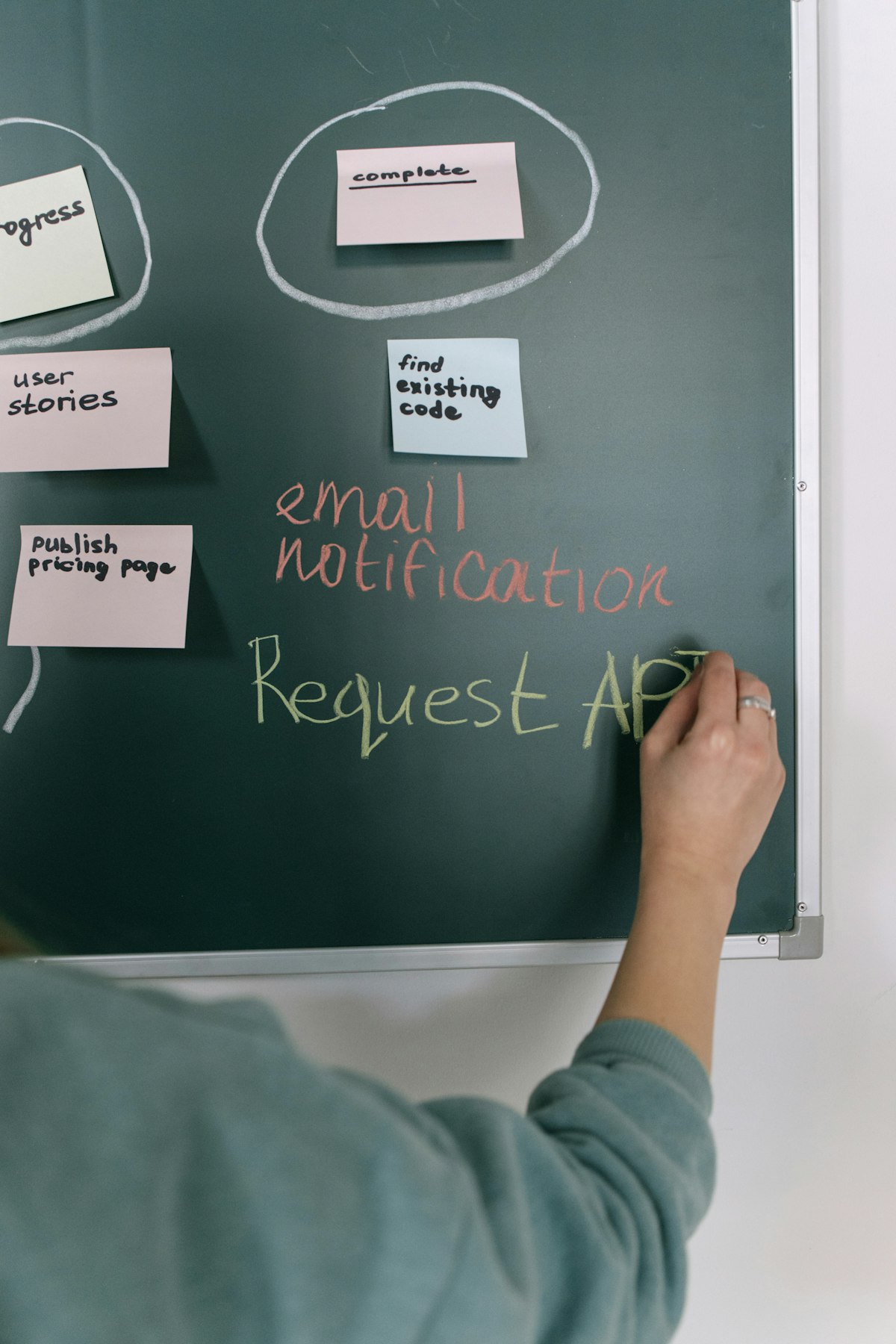
Your current maintenance tracking system is a collection of sticky notes on the helm, a notebook in the cabin, scattered receipts in a drawer, and mental notes about when things were last serviced. It's worked... mostly. Except for the times you forgot something, lost a receipt, or couldn't remember when maintenance was last performed.
You know there's a better way, but transitioning from informal tracking to proper systems feels overwhelming. Where do you start? How do you capture historical data? What about all those paper records?
Here's the step-by-step process for modernizing your maintenance tracking without losing what you've already documented.
Step 1: Acknowledge What's Not Working
Before changing systems, honestly assess current problems:
Forgotten maintenance: Tasks slip through the cracks because reminders are informal or non-existent.
Lost records: Paper receipts disappear, notebooks get misplaced, sticky notes fall off and are thrown away.
Uncertainty: You're never quite sure if maintenance is current or overdue.
Time waste: Hunting for maintenance information consumes time and causes frustration.
Service provider communication: Sharing maintenance history with technicians is difficult with scattered records.
Understanding what's not working helps you appreciate what proper systems solve.
Step 2: Choose Your Core System
Select a system designed specifically for boat maintenance rather than generic tools:
Wrong choices: Generic calendar apps, general note-taking apps, spreadsheets, or paper logs. These lack boat-specific features like engine hour tracking, hybrid time/usage intervals, and equipment-specific maintenance schedules.
Right choice: Purpose-built boat maintenance systems that understand marine-specific needs: time and usage-based intervals, equipment-specific schedules, photo documentation integration, service history tracking.
The right system makes maintenance tracking natural rather than forcing you to adapt marine needs to generic tools.
Step 3: Start with Equipment Inventory
Before tracking maintenance, document what equipment requires maintenance:
Walk through your boat systematically. Photograph each piece of equipment that requires service—engines, generators, pumps, electronics, systems. Record make, model, serial numbers from nameplates. Note location of each item.
This inventory becomes the foundation for your maintenance schedule. You can't track maintenance for equipment you haven't inventoried.
Step 4: Capture Historical Data (Don't Lose History)
Your informal system contains valuable historical data—capture it before transitioning:
Gather all receipts: Find every service receipt, parts receipt, and maintenance record from wherever they're stored.
Review notebooks and logs: Extract maintenance records from paper logs, transferring key information to your new system.
Check photos: Your phone probably contains photos of equipment, service work, or issues—organize these chronologically.
Document what you remember: For maintenance you performed yourself without records, document what you know: approximate dates, what was done, any observations.
This historical capture doesn't need to be perfect—capturing 80% is dramatically better than starting fresh and losing all history.
Step 5: Establish Current Status Baseline
For each piece of equipment and each maintenance item, establish current status:
When was it last serviced? Date and engine hours if applicable.
What's due next? Calculate when the next service is needed based on intervals.
Current condition: Any observations about current state, issues, or concerns.
This baseline allows your new system to start working immediately with accurate upcoming maintenance reminders.
Step 6: Set Up Schedules and Reminders
Configure maintenance schedules based on manufacturer recommendations and your usage patterns:
Time-based items: Annual services, seasonal tasks, quarterly inspections.
Usage-based items: Engine oil changes, filter replacements, transmission service based on engine hours.
Hybrid items: Tasks with combined time/usage triggers—"every 100 hours or annually, whichever comes first."
Reminder timing: Set how far in advance you want reminders—10 hours before due, 20 hours before due, one month before seasonal tasks.
Step 7: Transition Period (Running Both Systems)
Don't abandon your old system immediately. Run both in parallel for 1-2 months:
Continue using sticky notes and notebooks as backup while you learn the new system. Duplicate information in both places initially. This prevents losing critical reminders during the transition.
After you're confident the new system is working reliably, phase out the old system. The parallel period prevents gaps where maintenance slips through during the transition.
Step 8: Establish New Habits
Modern systems only work if you use them consistently. Build habits:
Post-trip routine: Log engine hours and any observations immediately after each outing while details are fresh.
After maintenance: Document service immediately when performed—date, hours, what was done, parts used, observations, photos.
Weekly review: Briefly review upcoming maintenance during a consistent weekly time—Sunday evening, Friday afternoon, whenever works for your routine.
Pre-trip check: Quick glance at maintenance status before departures—is anything overdue that should be addressed first?
These habits become automatic within weeks, making system maintenance effortless.
Step 9: Handle Edge Cases
Some maintenance doesn't fit neatly into standard tracking:
One-time repairs: Document these even though they're not recurring maintenance. The history is valuable.
Equipment upgrades: Record when equipment is replaced, noting new equipment details and resetting maintenance schedules.
Conditional maintenance: Items that depend on inspection findings rather than fixed intervals—document inspection results that inform maintenance decisions.
The Transition Payoff
The modernization process takes a few hours initially and a couple months to become fully habitual. The payoff is substantial:
Never miss critical maintenance. Always know current status without hunting for information. Communicate effectively with service providers. Build comprehensive records that protect resale value. Reduce anxiety about forgotten maintenance.
Purpose-Built Modernization
Yachtero is designed specifically for boat owners transitioning from informal tracking to comprehensive systems: equipment inventory tools, historical data capture, time and usage-based scheduling, photo integration, and mobile-first design that works where you actually maintain your boat.
Modernizing your maintenance tracking isn't about adding complexity—it's about replacing informal systems that fail with proper systems that work reliably. The transition process is straightforward, preserves your historical data, and delivers immediate benefits in confidence and peace of mind.
That's how you move from sticky notes to smart systems without losing what matters.

Enhance Your Boating Experience
Unlock a more organized, efficient, and enjoyable boating experience with Yachtero. Download the app today and discover the benefits of AI-powered assistance. Register now and take control of your boat!