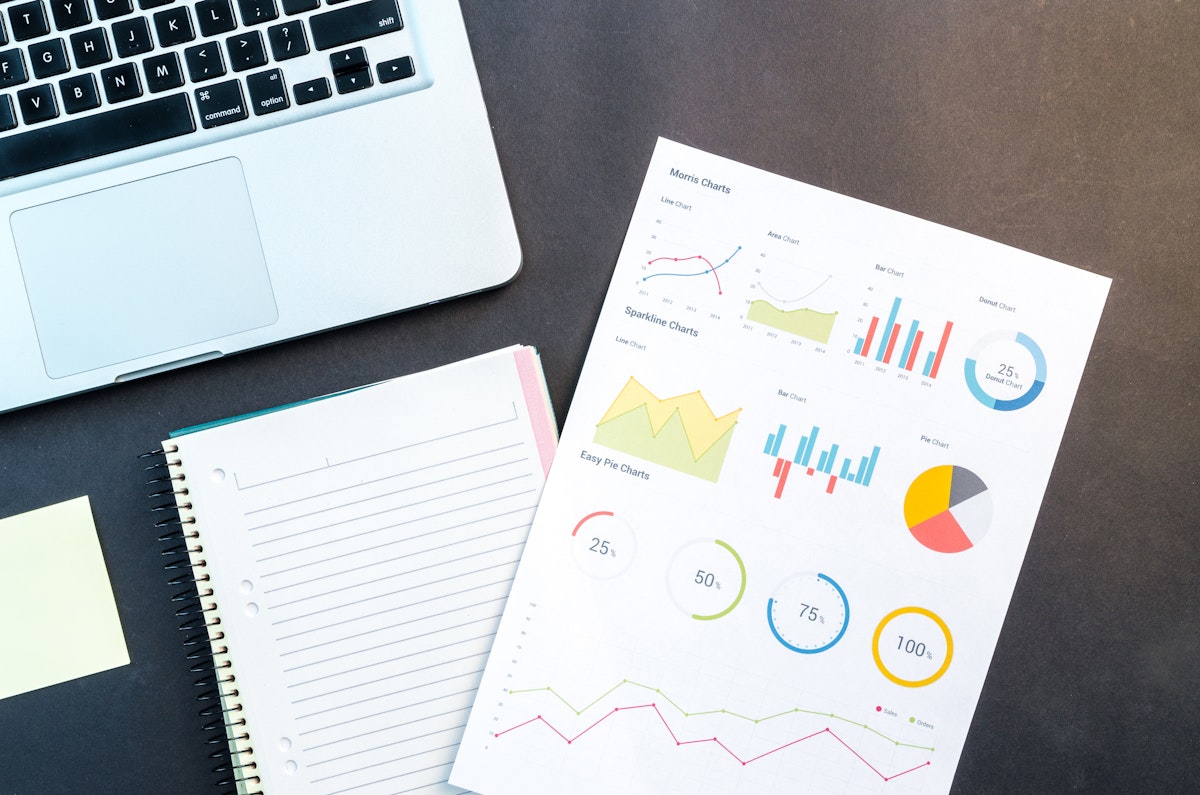
Monday morning: A marine service shop manager sits at her desk reviewing the week ahead. She schedules appointments across three technicians, sequences jobs for routing efficiency, reviews parts inventory for upcoming work, and analyzes last week's profitability by job type. Large monitor, keyboard, and mouse make this complex planning work efficient.
Monday afternoon: A technician works on a boat at the marina. He logs time, photographs equipment, updates job status, communicates with the client, and orders parts—all from his phone while standing on deck. Mobile access makes field execution seamless.
This is the hybrid workflow: desktop for planning, mobile for execution. Each platform optimizes for different work patterns.
Why Hybrid Beats Mobile-Only or Desktop-Only
Some systems force single-platform approach: Desktop-only: Field technicians can't access or update information during work, forcing memory-based documentation later. Mobile-only: Complex planning tasks become tedious on small screens with touch interfaces. Hybrid approach recognizes that different work requires different tools: Strategic planning benefits from large screens and precise input, Field execution requires portable access and instant capture, Analysis and reporting work better on desktop, Real-time updates and communication need mobile.
Desktop Strengths: Planning and Analysis
Desktop computing excels at complex, analytical work: Scheduling appointments across multiple technicians with drag-and-drop calendar interfaces, Route optimization showing job locations on map, Parts inventory management with bulk ordering and supplier comparison, Financial analysis with spreadsheet-like views and charting, Job profitability analysis by type, client, or technician, and Multi-job comparisons and pattern identification.
These tasks benefit from large screen real estate, precise mouse/keyboard input, and ability to view multiple information panels simultaneously. Attempting them on mobile phones is technically possible but frustratingly inefficient.
Mobile Strengths: Execution and Real-Time Updates
Mobile devices excel at field execution tasks: Viewing today's schedule and job details, Taking photos linked to jobs and equipment, Starting/stopping time tracking throughout the day, Updating job status in real-time, Sending client communications immediately, Recording work notes and observations, Ordering parts while looking at failed equipment, and Accessing service history while diagnosing issues.
These tasks benefit from portability and instant access. They happen in the moment at various locations. Desktop computers can't follow technicians to boats.
The Hybrid Schedule Management Workflow
Effective scheduling uses both platforms strategically: Desktop (manager or dispatcher): View week/month calendar across all technicians, Drag appointments to optimize routing, Balance workload across team, Block time for known parts delays or large projects, Generate schedule and assign jobs to technicians. Mobile (technicians): View today's schedule with job details, Get directions to next job, See estimated time and special instructions, Update actual arrival/completion times, Flag scheduling conflicts or delays immediately.
Manager handles strategic scheduling complexity on desktop. Technicians execute schedule and provide real-time updates on mobile. Neither tries to do the other's work on inappropriate platform.
Photo Management Across Platforms
Photos captured on mobile devices in the field automatically sync to desktop systems for office use: Technician takes photos on mobile during fieldwork (automatic job association), Photos sync to cloud automatically, Office staff access photos on desktop for invoicing, client communication, or warranty claims, Managers review photo documentation during quality checks, and Organized photo libraries available across all devices.
Mobile captures. Desktop organizes, analyzes, and uses. No manual photo transfer required.
Client Communication Hybrid Patterns
Client communication happens on whichever platform is convenient: Mobile (technicians in field): Real-time updates about discoveries, Send photos immediately with explanations, Request approvals for additional work, Notify about completion. Desktop (office staff): Handle detailed estimates and invoicing, Manage appointment scheduling and confirmations, Respond to complex inquiries requiring research, Generate service reports and maintenance recommendations.
All communication syncs to unified history accessible from both platforms. Client sees seamless communication regardless of which staff member or platform sent message.
Time Tracking and Billing Workflow
Time tracking is mobile-first, billing is desktop-centric: Mobile: Technicians start/stop timers throughout day, Time automatically associates with jobs, Daily summary shows total hours by job. Desktop: Managers review time records for accuracy, Adjust if corrections needed (rare with real-time tracking), Generate invoices including time, parts, and labor, and Analyze billable percentage and efficiency metrics.
Real-time mobile capture ensures accuracy. Desktop review and billing benefits from larger interface for financial work.
Parts Ordering and Inventory Management
Parts workflows use both platforms contextually: Mobile: Technician identifies needed part while at boat, Photographs part or serial number for identification, Creates parts order linked to job. Desktop: Office staff reviews parts orders across all jobs, Consolidates orders by supplier for efficiency, Manages parts inventory and stock levels, Tracks delivery status and updates job schedules accordingly.
Field identification happens on mobile (when you're looking at the broken part). Strategic inventory management happens on desktop.
Reporting and Business Intelligence
Business analytics are primarily desktop activities: Review profitability by job type, client, or technician, Analyze trends over time with visualizations, Compare actual vs. estimated time for job costing, Identify high-value vs. low-value clients, and Track key performance indicators (KPIs) monthly.
These analyses require complex data visualization and comparison—tasks suited to large screens. Mobile dashboards can show summary KPIs, but deep analysis happens on desktop.
Training and Onboarding
New technician or staff onboarding uses platform-appropriate training: Desktop training: Comprehensive system overview and navigation, Scheduling and planning workflows, Reporting and analysis capabilities, Administrative functions. Mobile training: Job management and daily schedule, Photo capture and time tracking, Client communication templates, Offline operation and sync.
Most technicians need 20 minutes of mobile training to be productive. Office staff need 60-90 minutes covering both platforms for full functionality.
Data Synchronization Enabling Hybrid Work
Hybrid workflows depend on seamless data synchronization: Changes on mobile appear immediately on desktop (and vice versa), Offline mobile work syncs when connectivity returns, All team members see current data regardless of platform, No manual sync or refresh required.
When synchronization is transparent and reliable, users don't think about platforms—they think about their work. Platform becomes invisible infrastructure.
Respecting User Preferences and Flexibility
While patterns emerge (planning on desktop, execution on mobile), some users cross boundaries: Technician who prefers desktop for detailed notes at end of day (in addition to mobile capture during work), Manager who checks job status on mobile while away from office, Office staff who occasionally work from tablet.
Good hybrid systems support platform flexibility rather than rigid rules. Most functionality available on both platforms, with interfaces optimized for each platform's strengths.
The Cost Efficiency of Hybrid Approach
Hybrid workflows provide better ROI than single-platform approaches: Lower hardware costs (technicians need phones, not laptops in field), Higher adoption rates (each platform matches natural work patterns), Improved data quality (capture happens in moment on mobile, validation on desktop), and Better user satisfaction (use right tool for each job).
Forcing desktop-only means mobile workers disconnect from system. Forcing mobile-only means complex planning becomes inefficient. Hybrid optimizes both.
Platform-Specific Feature Development
Industry-specific platforms like Yachtero optimize each platform interface: Mobile app: Simplified navigation optimized for one-handed use, Large touch targets for dirty hands/gloved operation, Camera and time tracking prominent, Offline capability throughout, Quick actions for common field tasks. Desktop web app: Multi-panel layouts showing related information simultaneously, Keyboard shortcuts for power users, Advanced filtering and search, Complex scheduling and planning interfaces, and Comprehensive reporting and analytics.
This isn't duplicate development—it's intentional optimization of each platform for appropriate use cases.
The Invisible Platform Transition
In well-designed hybrid workflows, platform transitions are seamless: Manager schedules job on desktop → Technician sees it immediately on mobile schedule, Technician updates job status on mobile → Office sees update instantly on desktop, Technician captures photos on mobile → Office includes photos in desktop-generated invoice.
Users think about their work, not platforms. Information flows naturally. Platform choice becomes matter of convenience rather than constraint.
The bottom line: Strategic marine service operations use hybrid workflows: desktop for planning (scheduling, analysis, complex administrative tasks) and mobile for execution (field documentation, time tracking, real-time updates). Each platform optimizes for different work patterns—large screen desktop for strategic complexity, portable mobile for field execution. Seamless synchronization enables platform transitions without user intervention. Result: Better planning efficiency, improved field documentation (70% increase), accurate real-time data, and optimized user experience matching natural work patterns. Neither mobile-only nor desktop-only matches hybrid effectiveness.
Enhance Your Boating Experience
Unlock a more organized, efficient, and enjoyable boating experience with Yachtero. Download the app today and discover the benefits of AI-powered assistance. Register now and take control of your boat!